Creating an Amazon Store and Boosting Brand Sales – A Seller's Guide
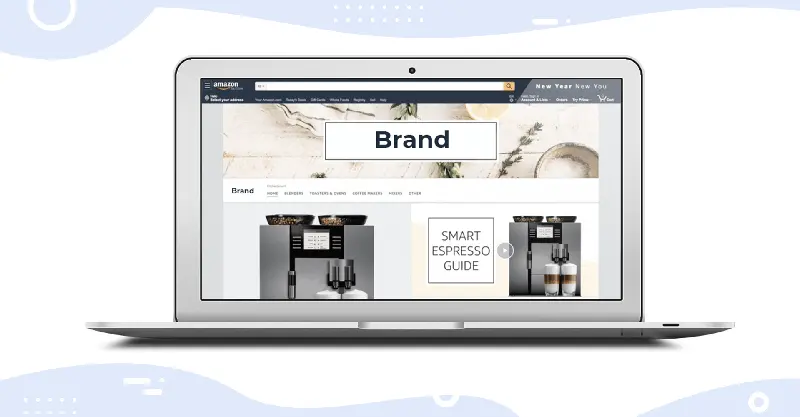
Because you can create a unique store image based on your own products, it differs from the standard Amazon page look, but still allows you to sell through Amazon.
How to create an Amazon store
Once you've chosen your products and created your brand, you can set up your first store on Amazon. Here are the easy steps to create an Amazon store.
Create your store using the store setup tool.
Create an initial page and add your brand information, such as your logo, display name, and tags. If you already have one or more stores, you will see a list of available and related pages here.
Create your own designs.
You can plan your design, choose one of the provided templates, or create your store from scratch.
Mr. Pan
To find a brand's Amazon store, simply visit the Amazon homepage and search for the brand in the search bar. If the brand has a store, click the brand logo displayed above the product listings to view it.