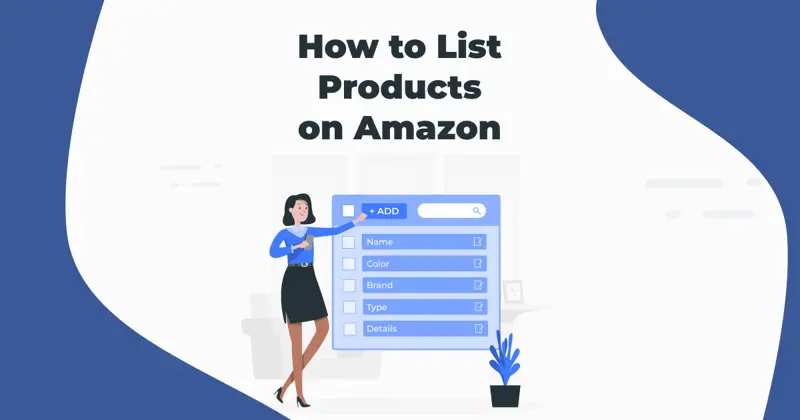
Listing Products on Amazon
Amazon's policy does not allow duplicate listings of products, so each specific product can only have one listing.
When is it necessary to create a new list?
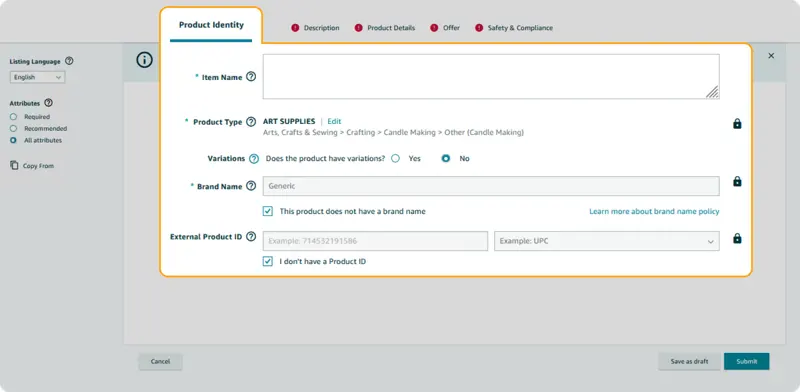
Amazon's policy prohibits duplicate product listings; therefore, each specific product can only have one product page. Sellers selling products with brand-new, unique product codes must create new product pages.
Step-by-step guide: How to add a new product on Amazon
Once you've selected the products you want to list on Amazon, all you need is a seller account. If you plan to sell your products under your own brand, you can also register for Amazon Brand Registry.
Create a product description.
As for product descriptions, creating an SEO-optimized product listing involves two equally important stages: keyword research and the construction of the listing itself.
Keyword Research
Entering the information correctly will help you gain favor with Amazon's algorithm, improve your product's ranking in search results, and attract relevant organic traffic.
Use list creation service
Using this service can save you time and help you create compelling product listings, attracting more customers and boosting sales. You can also preview a sample listing for free before placing an order by providing your email address.