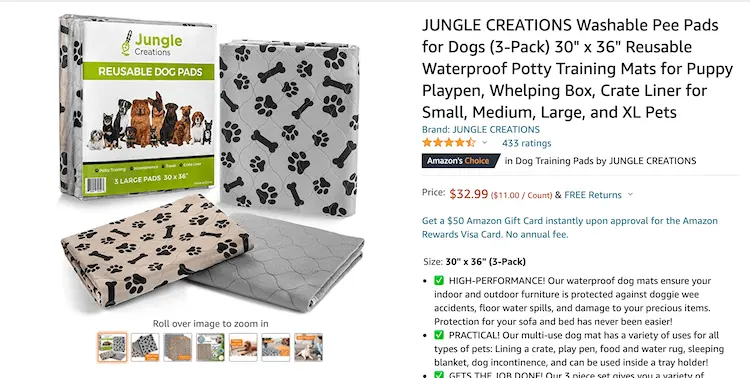
Amazon Product Listing Optimization Infographic – Listing Strategies
A+ content appears below the product description section on Amazon product detail pages, allowing you to add large images, infographics, and text in a unique way.
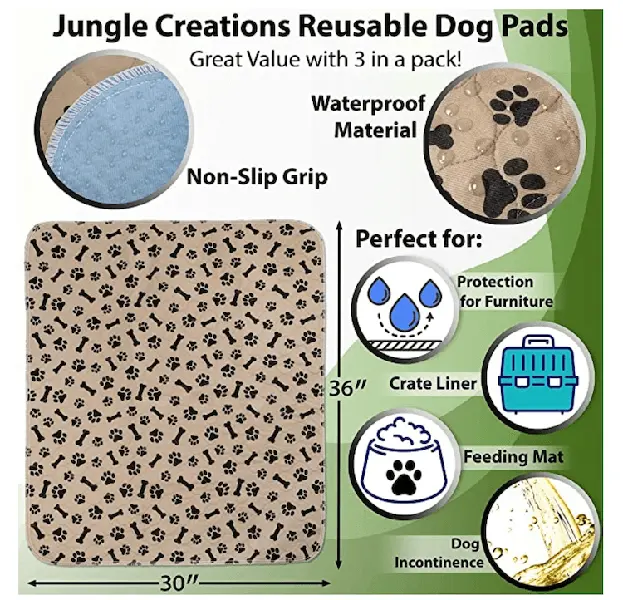
What is an infographic?
Besides the main product image, the other six images on your product detail page do not need to use product images with a pure white background. You can use unique backgrounds, text, graphics, icons, lifestyle images, and more to convey information and increase visual appeal.
Where can I use infographics on Amazon?
A+ content appears below the product description section on Amazon product detail pages, allowing you to add large images, infographics, and text in a unique way.
Elements of a Success Infographic
The infographics you create for your product information should reflect the characteristics of your field and be consistent with your brand theme. Effective infographics can also connect with your target audience.
Rich in information
Your Amazon product detail page has six additional images, which you can use to present product information and maintain a consistent visual flow. If you can showcase multiple product features without cluttering the images, go for it!
How to hire freelancers to create infographics
You can hire a professional graphic designer familiar with the Amazon marketplace to help you create unique graphics for use in your Amazon product listings.