How to print Amazon FBA labels, Amazon FBA printing tips
How to use a barcode printer to print Amazon FBA outer box labels.
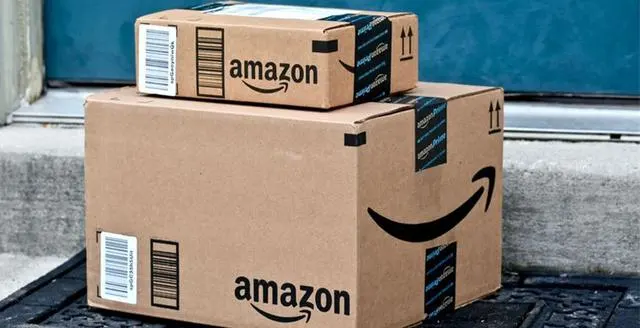
Both can be printed using the Zebra GK888t printer.
Most customers use A4 paper for FBA labels, and product barcodes require a barcode printer. A barcode printer is a specialized printer. The biggest difference between a barcode printer and a regular printer is...
It doesn't need to be displayed on the printed label, as long as your barcode is complete when scanned.
Finally, product labels on Amazon products must be clear and free from defects or damage. It's all about effort; hopefully, more people selling on Amazon will persevere and reap greater rewards.



