How to filter keywords in Amazon reverse search: from competitor ASINs to available keyword lists
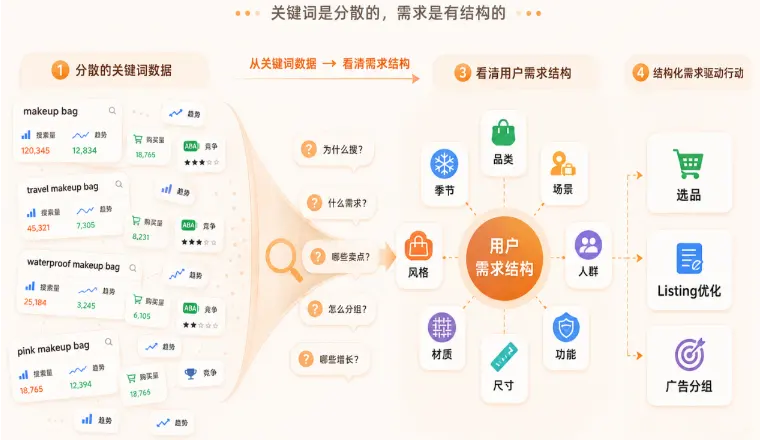
ASIN lookups can help sellers gather search terms related to their competitors. The similarity of the selected competitors directly impacts how many keywords in the keyword list are suitable for your product.

Select products from the target site that fall under the same subcategory and have similar uses and specifications, and record their ASINs. After performing reverse lookups, first merge the demand keywords that appear in multiple products, and then list the keywords that only appear in a specific variation.
Review the actual search results group by group. Keywords that match the product's intended use and are clearly expressed by the buyer can be used to improve the product description; keywords that depend on other materials, accessories, or usage conditions are marked as unsuitable.