Create your online store and sell products with Wix – A Seller's Guide
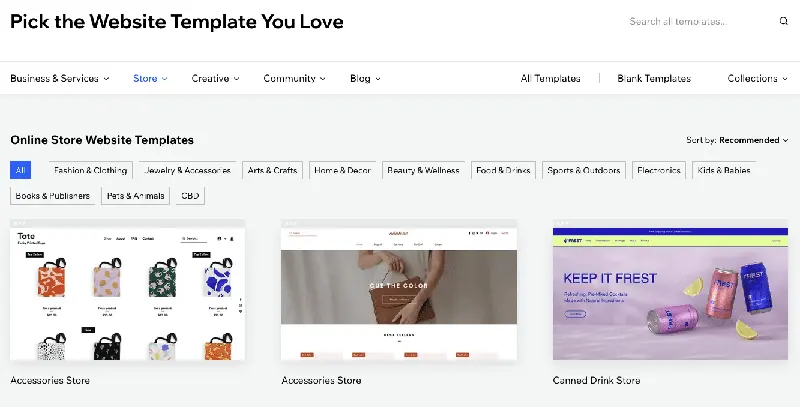
Once you've selected a template, you can use Wix's drag-and-drop editor to start customizing your store and create a shopping environment that attracts buyers.

While e-commerce platforms like Amazon are lucrative sales channels, it's also important to create a store that is entirely your own, owned, and managed.
Why do you need a website?
Having greater control over your brand—when selling goods on any online marketplace, you must abide by its rules; you can't just put your logo on whatever you want, let alone have complete control over what's displayed in your product listings.
Choose a template and customize your online store design.
Once you've selected a template, you can use Wix's drag-and-drop editor to start customizing your store and create a shopping environment that attracts buyers.
Add products to your store
Wix allows you to add products from supplier catalogs (including print-on-demand products) to your store and customize their details and prices.
Connect your store to Amazon and other channels (optional)
Once you've created your online store, you can easily connect it to your Amazon or other marketplace accounts.