Setting up your Facebook store — Marketing campaign decisions
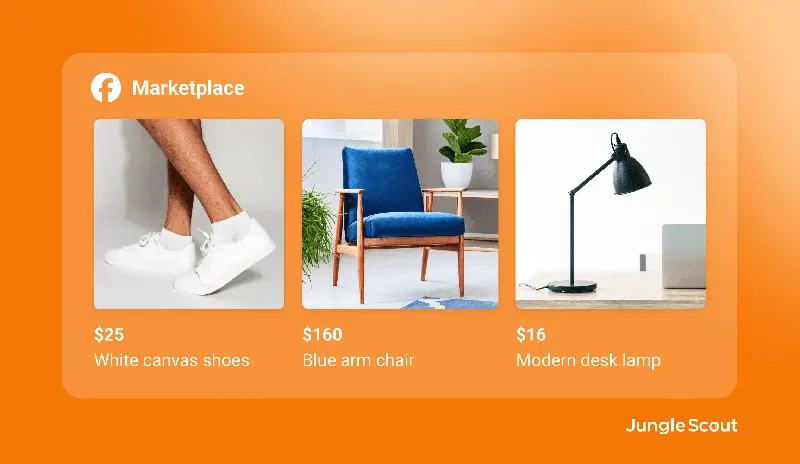
Unlike Facebook Marketplace, Shops on Facebook and Instagram create a unique shopping experience for Facebook and Instagram users, allowing you to showcase your products in posts and profiles.

What is Facebook Shops?
The Shops feature lets you create a custom shop and sell products to your followers through your Instagram account and Facebook business page. Users can seamlessly purchase products directly from your Facebook page or Instagram account without being redirected to other e-commerce websites.
Who are the target users of Facebook and Instagram stores?
Facebook and Instagram stores are for businesses or content creators with a Facebook Business Page and/or a Pro Instagram account. If you don't already have a new Instagram account or Facebook Business Page for your business or brand, you can easily create one.
How to add products to your Facebook store
To add products to your Facebook and Instagram stores, go to the Business Management Platform in Meta Business Suite. You can also customize your store, set up promotions, enable ads, and more within the Business Management Platform.
How to connect your Shopify store to Facebook Shops
If you want to connect your existing Shopify store with your Facebook store, you can easily link the two platforms. Once connected, you can showcase your Shopify products to your Facebook and Instagram followers.